Fixed in ₹500? Real Experience + Free Display Replacement Guide
Published: May 10, 2026 | tapsvision.in
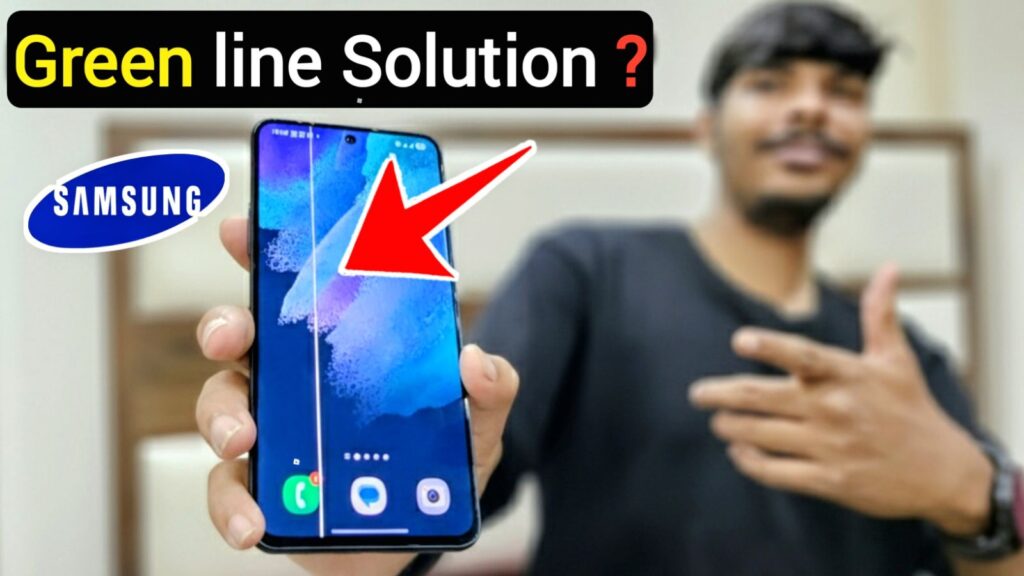
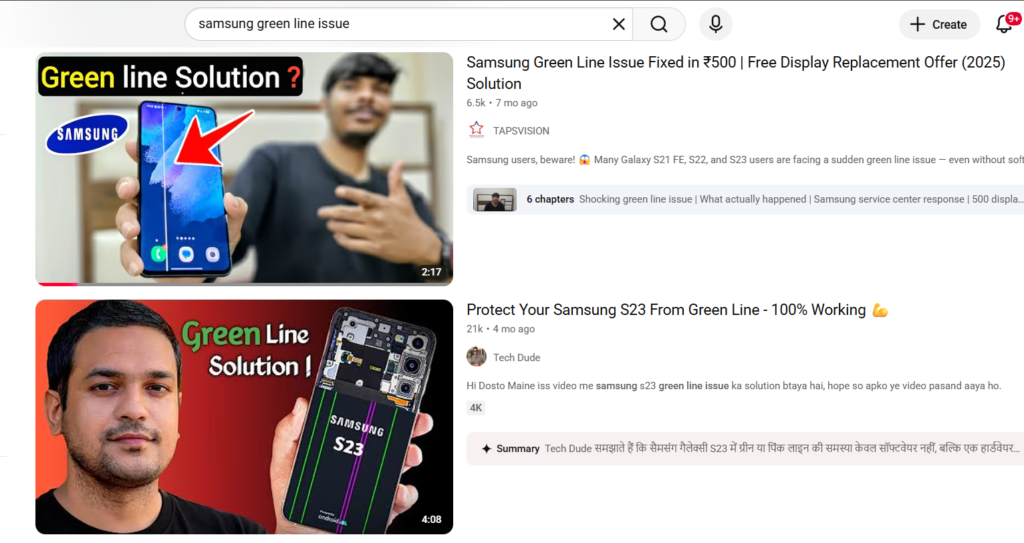
If you own a Samsung Galaxy phone with an AMOLED display, there is a good chance you have either seen this issue yourself or know someone who has — a green vertical line suddenly appearing on the screen, out of nowhere.
No drop. No water damage. No recent software update. Just one morning the screen looks like this.
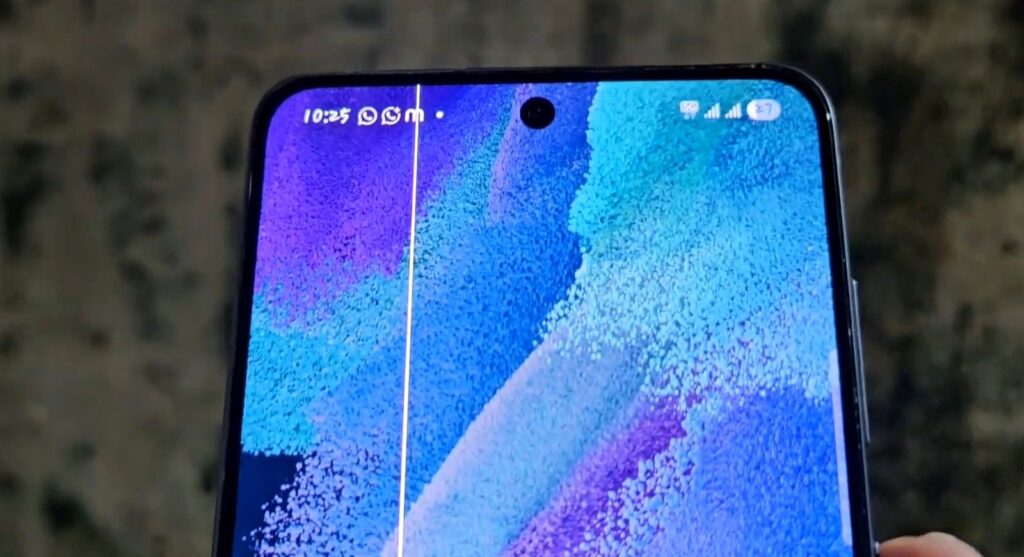
This blog covers a real experience with the Samsung Galaxy S21 FE 5G and what actually happened at the Samsung service center. If your phone has this issue right now, read this before spending a single rupee.
The Real Story — Samsung Galaxy S21 FE Green Line Issue
A friend of mine noticed a green vertical line on his Galaxy S21 FE one morning. The phone was 23 months old — just past the standard warranty period — and had been working perfectly the night before.
What made this strange:
- No physical damage at all
- Phone had never been near water
- No software update had run recently
- The line just appeared overnight
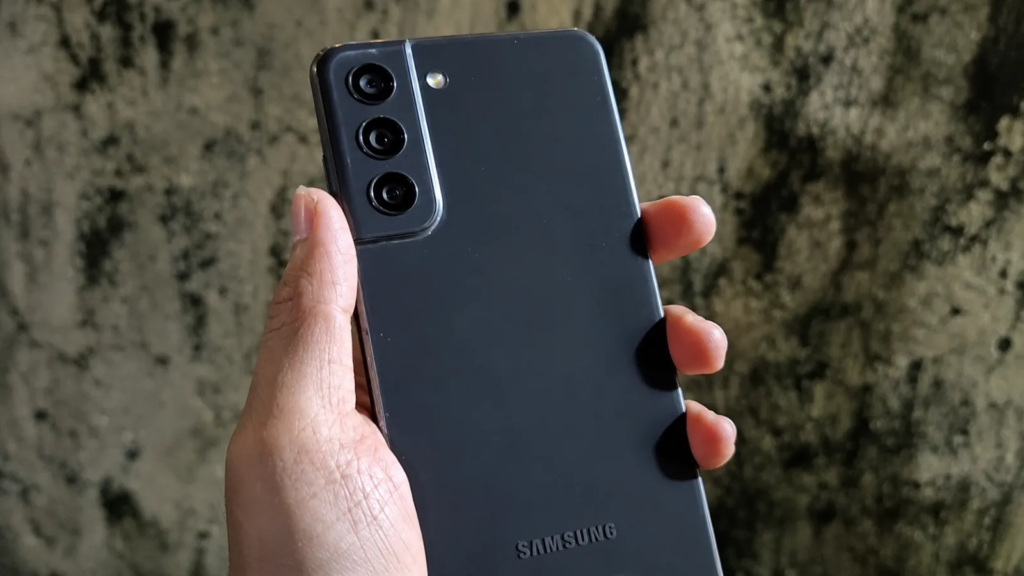
He decided to visit the nearest Samsung Service Center anyway, even though the phone was technically out of warranty. And what happened next was genuinely surprising.
What Happened at the Samsung Service Center
When he arrived, the service center first explained the standard policy — which is what you would expect from any brand:
- If the phone is physically damaged → full display replacement charges apply
- If water has entered the device → same
- If the display is cracked → same
Samsung AMOLED display replacement typically costs between ₹10,000 to ₹15,000 depending on the model. That is a significant amount.
But here is where things got interesting.
Since there was zero physical damage, no water exposure, and no clear cause — the service center executive mentioned that Samsung has a special support program for certain Galaxy S series phones facing this exact issue.
What the Support Program Offered
- Free display replacement for eligible devices
- Only labour charges in some cases
- Same-day repair in many instances
In this case, my friend paid only ₹500 as a labour charge. Samsung replaced the display on the same day.
After the Replacement
- Green line completely gone
- Display looked brand new
- Phone working perfectly again
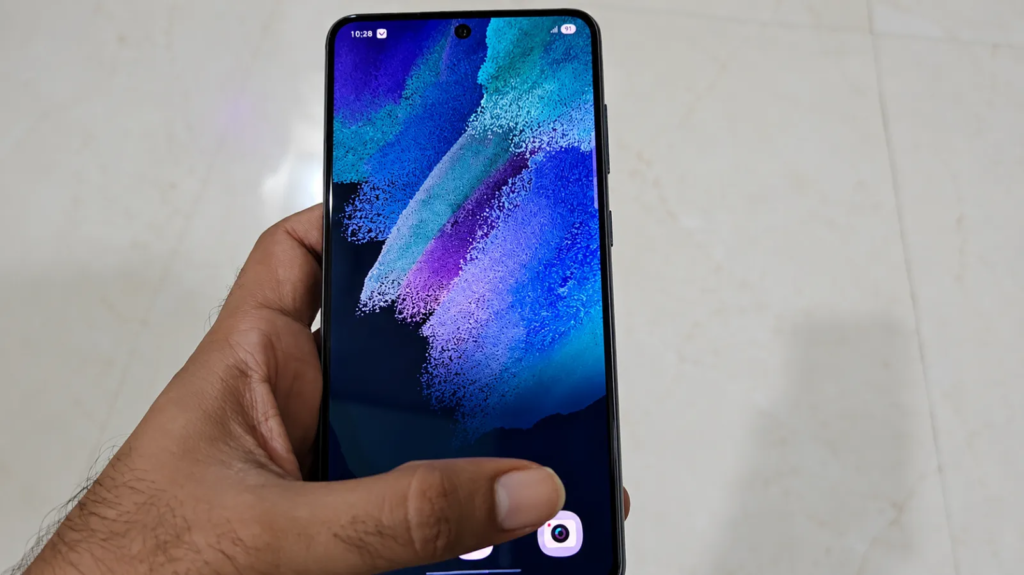
Honest verdict: This was a genuinely good experience from Samsung’s side.
Which Samsung Phones Are Affected by the Green Line Issue?
This is not just an S21 FE problem. Many users across the internet have reported the same issue on:
- Samsung Galaxy S21 FE
- Samsung Galaxy S22
- Samsung Galaxy S22 Ultra
- Samsung Galaxy S23 series
- Other Samsung phones with AMOLED panels
Search terms like ‘samsung green line issue’, ‘samsung green line free replacement’, and ‘s21 fe green line issue’ are trending heavily on both Google and YouTube — which shows just how widespread this problem is.
Does the Green Line Come After a Software Update?
A lot of people assume the issue is triggered by a software update or security patch. But this real case challenges that theory.
- The phone had NOT been updated recently
- An older software version was installed
- The green line still appeared without any update
So what actually causes it? Honestly, there is no single confirmed answer:
- Some believe it is a hardware defect in the AMOLED panel
- Others think it happens as the display ages over time
- Some users online even theorise that companies intentionally affect older devices before big sale seasons — though there is no official proof of this
The most likely explanation is that AMOLED panels on certain batches have a manufacturing defect that shows up over time, independently of software.
Samsung Green Line Issue — What You Should Do
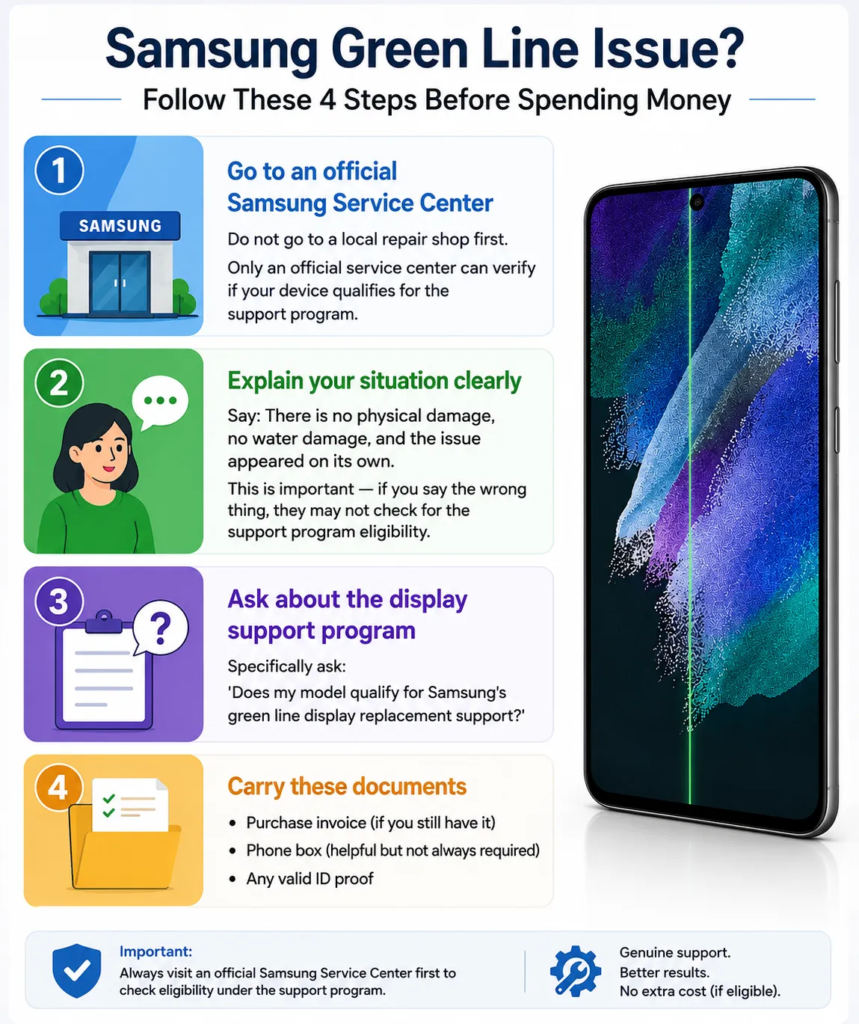
If your Samsung phone suddenly develops a green line, follow these steps before spending money anywhere:
Step 1 — Go to an official Samsung Service Center
Do not go to a local repair shop first. Only an official service center can verify if your device qualifies for the support program.
Step 2 — Explain your situation clearly
Say: There is no physical damage, no water damage, and the issue appeared on its own.
This is important — if you say the wrong thing, they may not check for the support program eligibility.
Step 3 — Ask about the display support program
Specifically ask: ‘Does my model qualify for Samsung’s green line display replacement support?’
Step 4 — Carry these documents
- Purchase invoice (if you still have it)
- Phone box (helpful but not always required)
- Any valid ID proof
Watch the Full Video
I covered this entire experience in detail on my YouTube channel — including the service center conversation, the repair process, and the final result.
Search ‘Samsung Green Line Issue S21 FE TapsVision’ on YouTube, or click the link below to watch.
Planning to Upgrade? Best Samsung Deals Right Now
If you have decided to move on and buy a new Samsung phone, here are some options worth checking:
(Affiliate links — support the channel at no extra cost to you)
Final Thoughts
The Samsung green line issue is real, widespread, and affecting a lot of premium AMOLED phones. The good news is that Samsung is quietly supporting some users even outside the standard warranty period.
Before spending ₹10,000–₹15,000 on a display replacement anywhere — visit an official Samsung service center first. It could save you a lot of money.
If this article helped you, share it with your friends and family who use Samsung phones. This information could genuinely save someone thousands of rupees.
— TapsVision