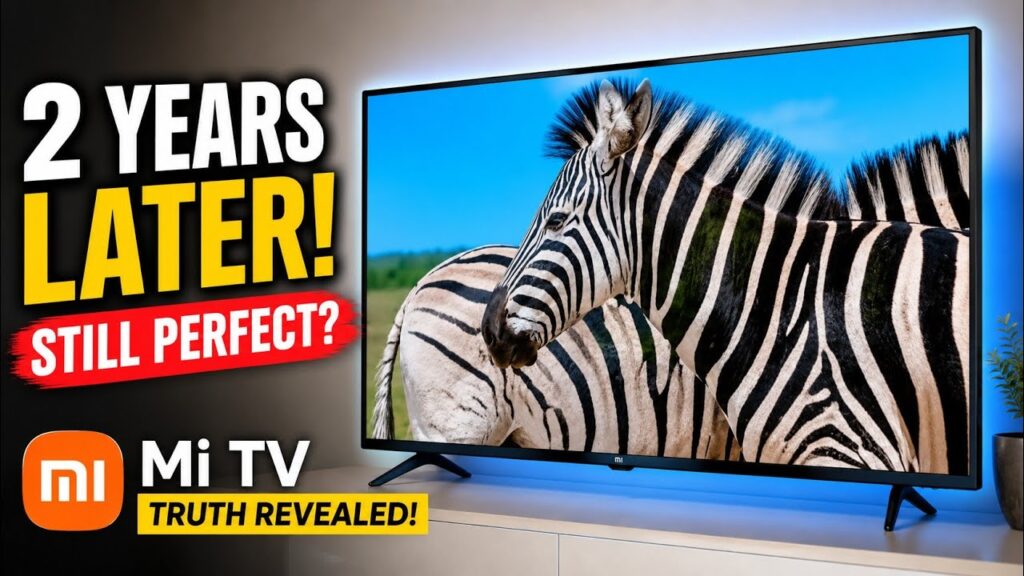
Most “Mi TV review” content online is really an unboxing video from day one — great picture, smooth setup, everyone’s happy. This is different: a genuine mi tv long term review after 2 years of actual daily use, including the one durability issue that a first-week review would never catch. If you’re deciding between a Mi/Xiaomi TV, a OnePlus TV, or a Realme TV right now, this is the kind of real-world detail worth knowing before you spend the money.
Quick answer: after 2 years, the picture, sound, and app performance on this Mi TV are still genuinely good — the real letdowns are frozen software updates (stuck on Android 9) and a screen panel that scratched from a very light accidental tap.
Video Stats: “Mi TV 50-Inch Long Term Review | 2 Years Experience” | 561 views since published | 12.9 watch hours | Top search: ‘mi tv long term review’ (9 views, 2.0%), alongside ‘mi tv vs oneplus tv’ and ‘xiaomi tv long term review’ — a sign people specifically want an honest, lived-in opinion rather than another unboxing video.
| ✔ Considering a Mi/Xiaomi Android TV today? Check current models and price → [https://link.amazon/B09p6QMqz] |
Does This Still Apply to Mi TVs Bought in 2026?
Largely, yes — and this is actually an industry-wide pattern, not just a Xiaomi issue. Google has publicly moved Android TV and Google TV to a much slower, roughly two-year major update cycle, and has even skipped entire Android versions for TVs in recent cycles. Xiaomi currently sells TVs on both platforms: budget models still run classic Android TV (similar to what’s reviewed here), while many of their newer sets have shifted to Google TV, which gets updates more directly from Google. If you’re buying today, check specifically whether the model you’re looking at runs Android TV or Google TV — that one detail affects how many years of real software support you’ll get.
2 Years Later — What’s Still Good vs What’s Disappointing
Here’s the honest breakdown after genuine daily use, not a first-week impression:
| After 2 Years | Still Good | Disappointing |
| Picture quality | Yes — color contrast and clarity still strong, even in 4K | — |
| Sound | Yes — loud, Dolby Atmos support, no extra speakers needed | — |
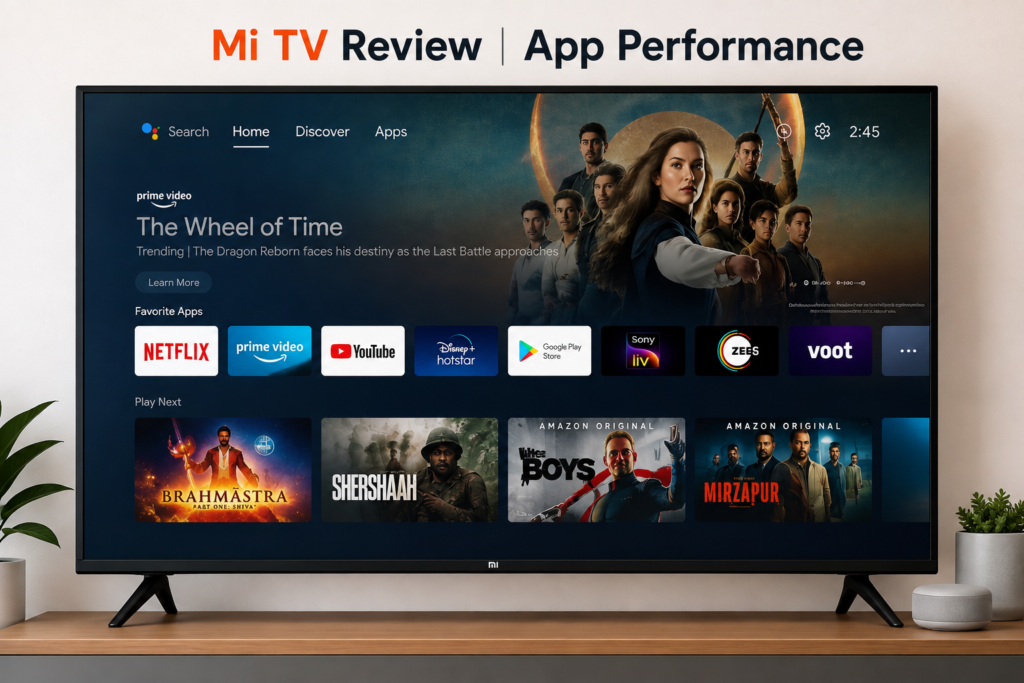
| App performance | Yes — Prime Video, Netflix, Hotstar all run smoothly | — |
| Software updates | — | Stuck on Android 9, security patch frozen since April 2021 |
| Internal storage | Workable for basic use | Only ~5GB usable — fills up fast with extra apps |
| Screen/panel durability | — | A light accidental tap left a visible scratch line |
The Software Update Problem
This TV was purchased running Android TV 9, and two years later, it’s still on Android TV 9 — with a security patch frozen at April 2021. That’s a real gap, and worth taking seriously if long-term software support matters to you. As covered above, this isn’t unique to this TV or even to Xiaomi specifically — smart TV software support across the industry is generally much shorter and slower than phone support. The practical takeaway: don’t assume a smart TV will get meaningful yearly OS upgrades the way a phone might, regardless of brand.
Picture, Sound, and App Performance: The Genuine Strengths
Despite the software stagnation, the parts that matter most for daily watching have held up well over 2 years:
- 4K content, including on Prime Video and Netflix, still looks sharp with strong color contrast.
- Built-in speakers are loud enough on their own — Dolby Atmos support means no additional soundbar is required for a solid experience.
- Streaming apps (Prime Video, Netflix, Hotstar) all continue to run smoothly with no noticeable lag, even two years in.
The Durability Issue Nobody Mentions in Day-One Reviews
About a year and a half in, a shuttlecock (the kind used in badminton) lightly brushed against the screen during casual play at home. It wasn’t a hard impact by any measure — but it left a faint, visible line on the panel, noticeable up close though not from a normal viewing distance. This is a genuine build-quality observation: budget Android TV panels can be more delicate than expected, and a level of care that would be completely harmless to a phone or laptop screen may still be enough to mark a TV panel. If you have kids, pets, or an open living room where balls, toys, or shuttlecocks could realistically make contact, factor that into where you mount or place the TV.
Practical tip: keep any TV panel — regardless of brand — out of the direct path of household play areas, and consider a wall mount over a stand if space allows, simply to reduce the chance of accidental contact.
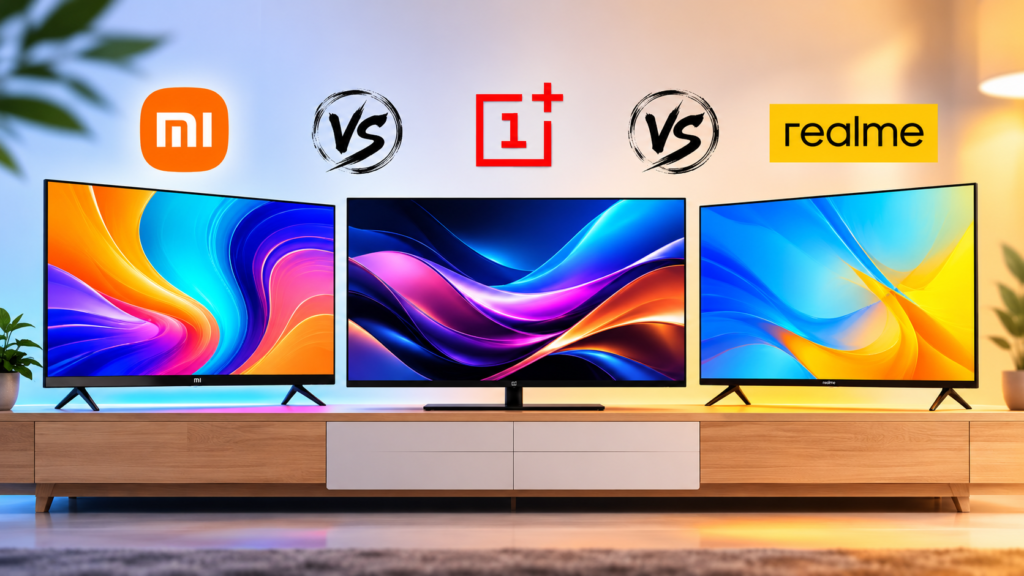
Mi TV vs OnePlus TV vs Realme TV — Which Should You Actually Buy?
If you’re comparing options right now instead of just this one model, here’s the honest, practical distinction based on what generally matters most in this price range:
- Mi/Xiaomi TV: Strong picture and sound for the price, but check specifically whether your chosen model runs Android TV or Google TV before buying, since that affects future update support.
- OnePlus TV: Generally similar panel and software situation to Xiaomi in this segment — comparison shop on the specific model’s OS and update history rather than the brand name alone.
- Realme TV: Typically the most budget-focused of the three — worth checking current reviews for the exact model, since software support timelines vary release to release.
The bigger factor across all three brands isn’t really the logo — it’s the specific model’s OS platform (Android TV vs Google TV) and its update commitment, plus panel build quality, which varies even within a single brand’s lineup.
| ✔ Compare current Mi/Xiaomi Android TV models and prices → [https://link.amazon/B0fsxfpEP] |
Should You Still Buy a Mi TV in 2026?
If picture quality, sound, and smooth app performance are your priorities, and you’re not expecting frequent major software updates from any TV in this segment, then yes — this remains a reasonable buy. Just go in with the right expectations: check whether your specific model runs Android TV or Google TV, treat the screen with the same care you’d give any TV panel, and don’t expect meaningful yearly OS upgrades once you own it.
FAQs — Frequently Asked Questions
Q1. Is Mi TV still worth buying in 2026?
Yes, for picture quality, sound, and streaming app performance, which remain strong even after years of use. Just verify whether your specific model runs Android TV or Google TV, since that determines how much future software support you’ll get.
Q2. Does Mi TV get regular software updates?
Not frequently. Many Android TV models, including budget Xiaomi sets, receive infrequent major OS updates — this is an industry-wide pattern for smart TVs, not unique to one brand. Google TV models generally get more consistent updates directly from Google.
Q3. Mi TV vs OnePlus TV — which is better?
Both are broadly comparable in this price segment. Rather than choosing by brand alone, check the specific model’s OS platform (Android TV vs Google TV) and its update history, since that varies model to model within both brands.
Q4. How durable is the Mi TV screen/panel?
Based on 2 years of real use, the panel can be more delicate than expected — even a light accidental tap left a visible mark in our case. This is common across budget TV panels generally, not just this one, so reasonable care around the screen is worth taking regardless of brand.
Q5. What is the difference between Android TV and Google TV?
Google TV is Google’s newer interface layered on top of Android TV, generally offering more direct and consistent software updates from Google. Android TV (without the Google TV interface) is common on older or budget models and tends to receive fewer updates over time.
Q6. Is 5GB of internal storage enough for a smart TV?
It’s workable for basic use with a handful of streaming apps, but it fills up quickly if you install several extra apps or games. If storage flexibility matters to you, check the exact storage specs before buying, since this varies significantly between models.
Q7. Does Mi TV support Dolby Atmos without extra speakers?
Yes — the built-in speakers on this model support Dolby Atmos and are loud enough for typical room sizes without needing a separate soundbar, based on 2 years of regular use.
Q8. Realme TV vs Mi TV — is there a big difference?
Not dramatically at a brand level — Realme tends to focus on the budget end specifically. As with Mi and OnePlus, compare the specific model’s software platform and update commitment rather than assuming one brand is universally better.
Final Thoughts — Buy for the Picture and Sound, Not the Software Promises
After 2 years of real, daily use, this Mi TV still delivers where it matters most day-to-day — picture, sound, and app performance. The honest disappointments are the frozen software updates and a panel that turned out more delicate than expected. If you go in with realistic expectations on both fronts, and treat the screen with reasonable care, it remains a solid choice in its price range.
| ✔ Check current Mi/Xiaomi TV models and pricing → [https://link.amazon/B0fsxfpEP] |
If you found this review helpful, subscribe to the TapsVision YouTube channel and hit the bell icon — we post honest, real-world tech reviews and troubleshooting content regularly, in both Hindi and Hinglish, just for you!
Subscribe TapsVision on YouTube for daily Hindi tech tips — Android TVs, smartphones, laptops, and more!
Have a question? Comment below or message us on the YouTube video. Everyone is welcome in the TapsVision community!
— TapsVision